고정 헤더 영역
상세 컨텐츠
본문
반응형

If you're planning a trip to South Korea or moving here for work or study, one essential question you’ll face is: Which map app should I use in Korea – Kakao Map, Naver Map, or Google Map? While Google Maps is the global standard, navigating in Korea is a different story. In this post, we'll break down the pros and cons of each platform to help you decide which is best for your needs in Korea.
Why Is Google Maps Limited in Korea?
Before we dive into the comparison, it’s important to understand why Google Maps doesn’t work well in South Korea.
Due to South Korean government regulations concerning mapping data and national security, Google is restricted from storing full topographic data on foreign servers. This means that Google Maps lacks features like accurate turn-by-turn navigation, detailed transit information, and building-level accuracy that you’d normally expect.
So, what are your alternatives? That’s where Kakao Map and Naver Map come in.
Kakao Map vs. Naver Map vs. Google Map: A Complete Comparison
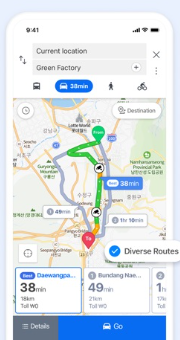
🗺️ Map Accuracy and Details
Kakao Map
- Highly detailed and frequently updated.
- Offers precise addresses, building numbers, and real-time traffic conditions.
- Especially strong in urban areas like Seoul, Busan, and Incheon.
- Great for finding local restaurants, cafes, convenience stores, and ATMs.
Naver Map
- Also very detailed, often comparable to Kakao Map.
- Better for landmarks, attractions, and hiking trails.
- Offers multi-language support including English, Chinese, and Japanese.
Google Map
- Limited street detail, especially outside of Seoul.
- Missing many local businesses and landmarks.
- No real-time navigation for driving or walking.
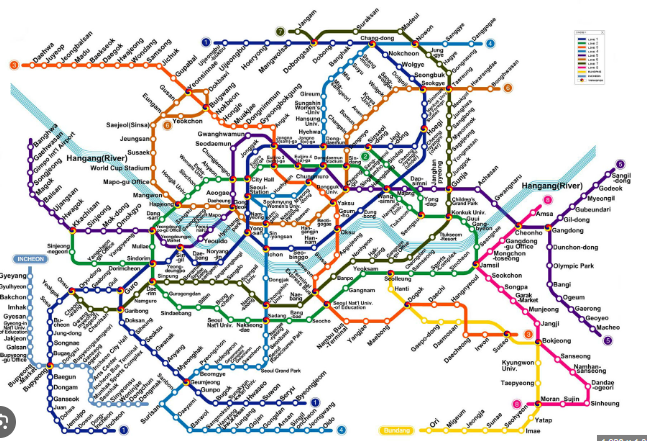
- Can still be used for basic orientation and subway lines.

🧭 Navigation and Directions
Kakao Map
- Excellent real-time navigation for walking, driving, and public transport.
- Offers step-by-step guidance, including which subway car to board for optimal transfer.
- Very popular among locals.
Naver Map
- Equally strong navigation capabilities.
- Often used by hikers and bikers due to detailed trail mapping.
- The interface may feel slightly more intuitive for international users.
Google Map
- No real driving navigation.
- Public transit directions can be outdated or incomplete.
- Suitable for basic walking routes.
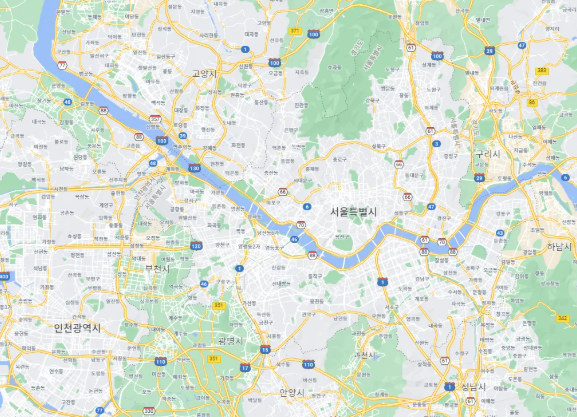
🌐 Language Support
FeatureKakao MapNaver MapGoogle Map
| English UI | ✅ (partial) | ✅ (better) | ✅ (full) |
| Romanization | ❌ (often Korean) | ✅ (better) | ✅ (excellent) |
| Voice Guidance | Korean only | Korean only | English available |
Both Kakao Map and Naver Map have improved English support, but it's not always consistent. Naver Map generally has better English translations and search accuracy using English keywords.
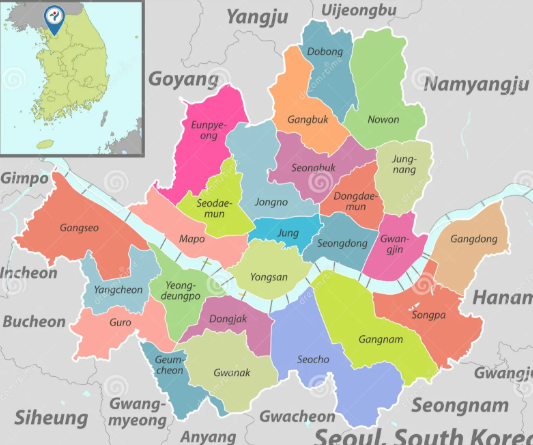
Best Use Cases by App
Use Kakao Map if:
- You’re looking for real-time transit or driving navigation.
- You want to explore restaurants, stores, and hotspots.
- You need local accuracy and don’t mind using some Korean.
Use Naver Map if:
- You prefer better English language support.
- You enjoy hiking, biking, or exploring nature trails.
- You want clean UI and ease of use for foreigners.
Use Google Map if:
- You just need a quick overview of locations.
- You're familiar with Google’s interface and want basic navigation.
- You want to pin locations or integrate with your Google account.
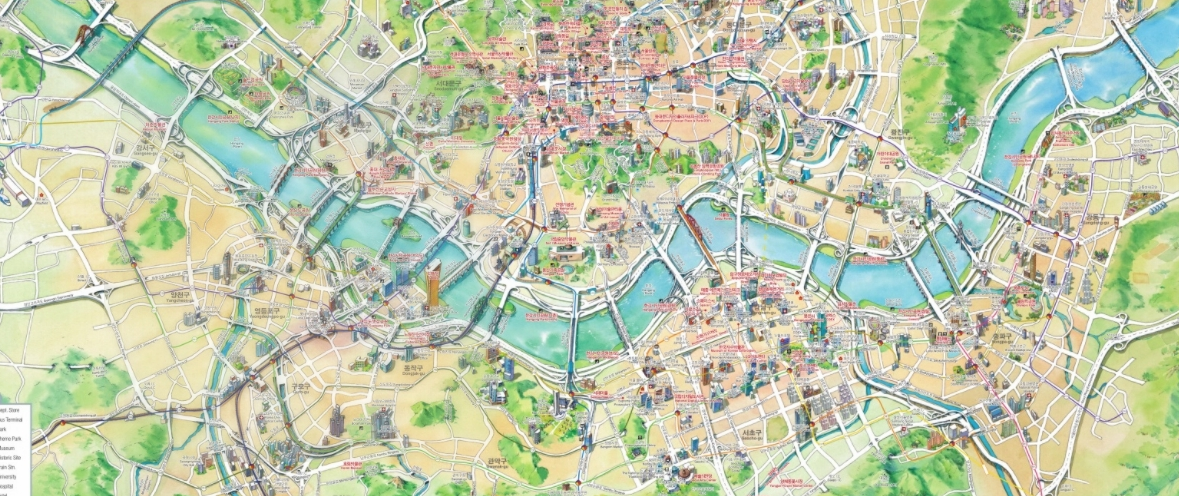
Tips for Using Maps in Korea
🧩 Download the Apps Before You Travel
Both Kakao Map and Naver Map require downloading from the Korean App Store or Google Play. Make sure your app is updated before traveling.
🌐 Use Romanization Wisely
If searching for locations in English doesn’t work, try using the romanized Korean names or even copy-paste in Hangul if possible.
🚇 Public Transport Integration
Both Korean map apps offer integrated subway and bus schedules, with arrival times, fare info, and optimal routes. Google Maps lacks this completely.
📍 Offline Map Functionality
Unfortunately, none of the apps offer complete offline navigation in Korea. You’ll need mobile data or pocket Wi-Fi to use them effectively.
Conclusion: What’s the Best Map App in Korea?
So, what’s the best map app for Korea? The short answer is: not Google Maps.
- For accurate navigation, local information, and real-time updates, go with Kakao Map.
- For better English support and clean UI, Naver Map is your friend.
- Use Google Maps as a backup or for global integration with your account.
🔑 Final Recommendation:
Download both Kakao Map and Naver Map before your trip to South Korea. Use them according to your situation — whether it's city navigation, hiking, or finding a place to eat.
By using the right map app, your experience in South Korea will be smoother, more enjoyable, and definitely less confusing. Whether you're exploring Seoul’s bustling streets or hiking the trails of Jeju Island, having the right map app in Korea is essential.
반응형


댓글 영역